CSAL Remote Devices
CSAL is usually a standalone Device—however, it also has a receiver port inside that allows it to accept messages from other Max for Live Devices in the same Live Set.
This allows other developers to build 3rd-party-devices that communicate with CSAL.
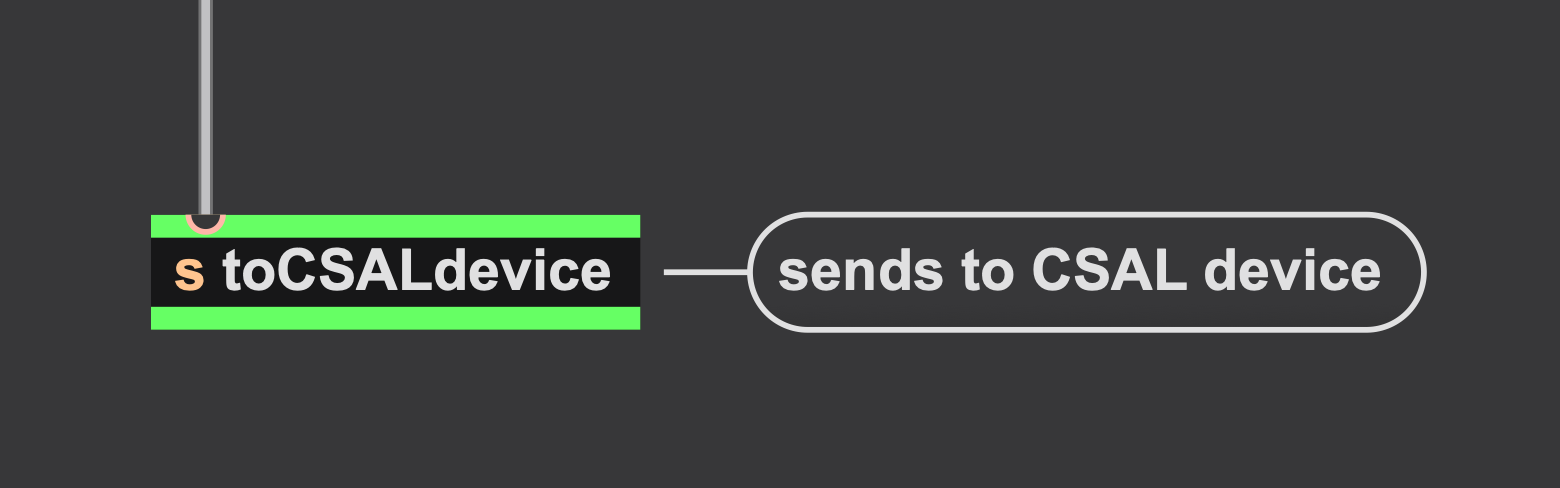
To send CSAL a Remote Instruction, just send a message to the inlet of a [send] object with the port name “toCSALdevice”
The full object looks like this: [send toCSALdevice]
Important: When sending Remote Instructions, do not use <brackets>, as there are no clip-edges to refer to. Similarly, length-aware (LA) clips are also not possible.
CSAL Remote Pop-Up
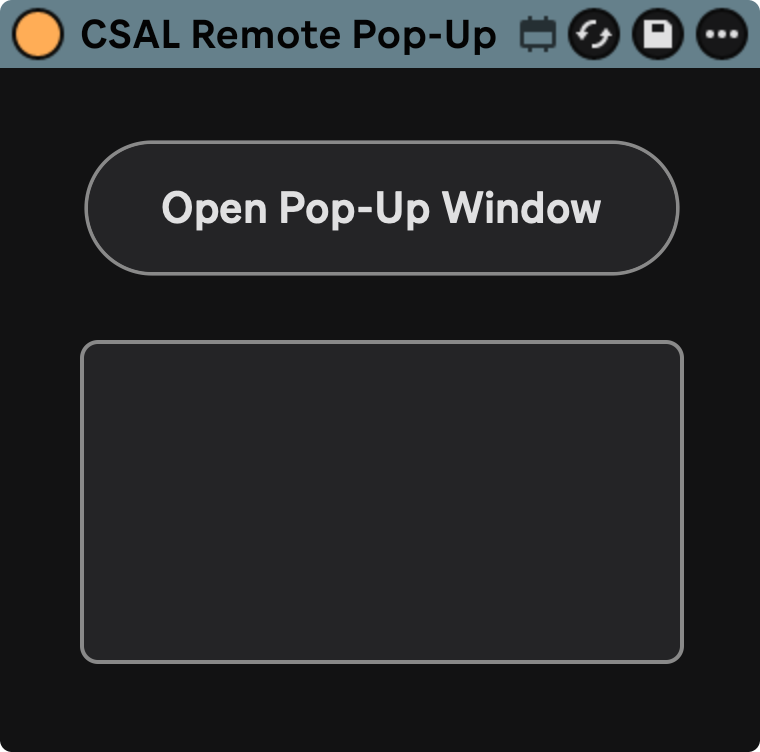
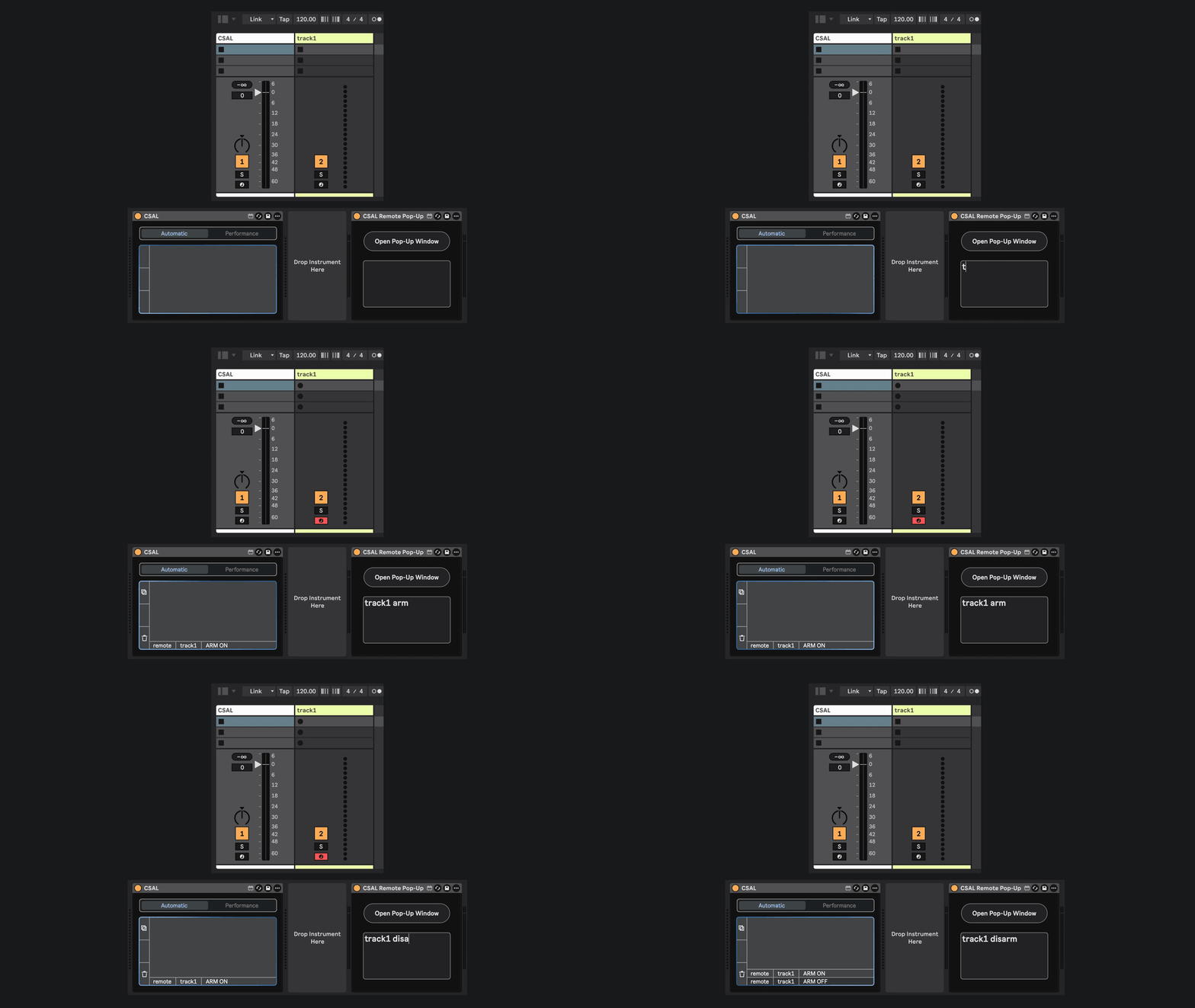
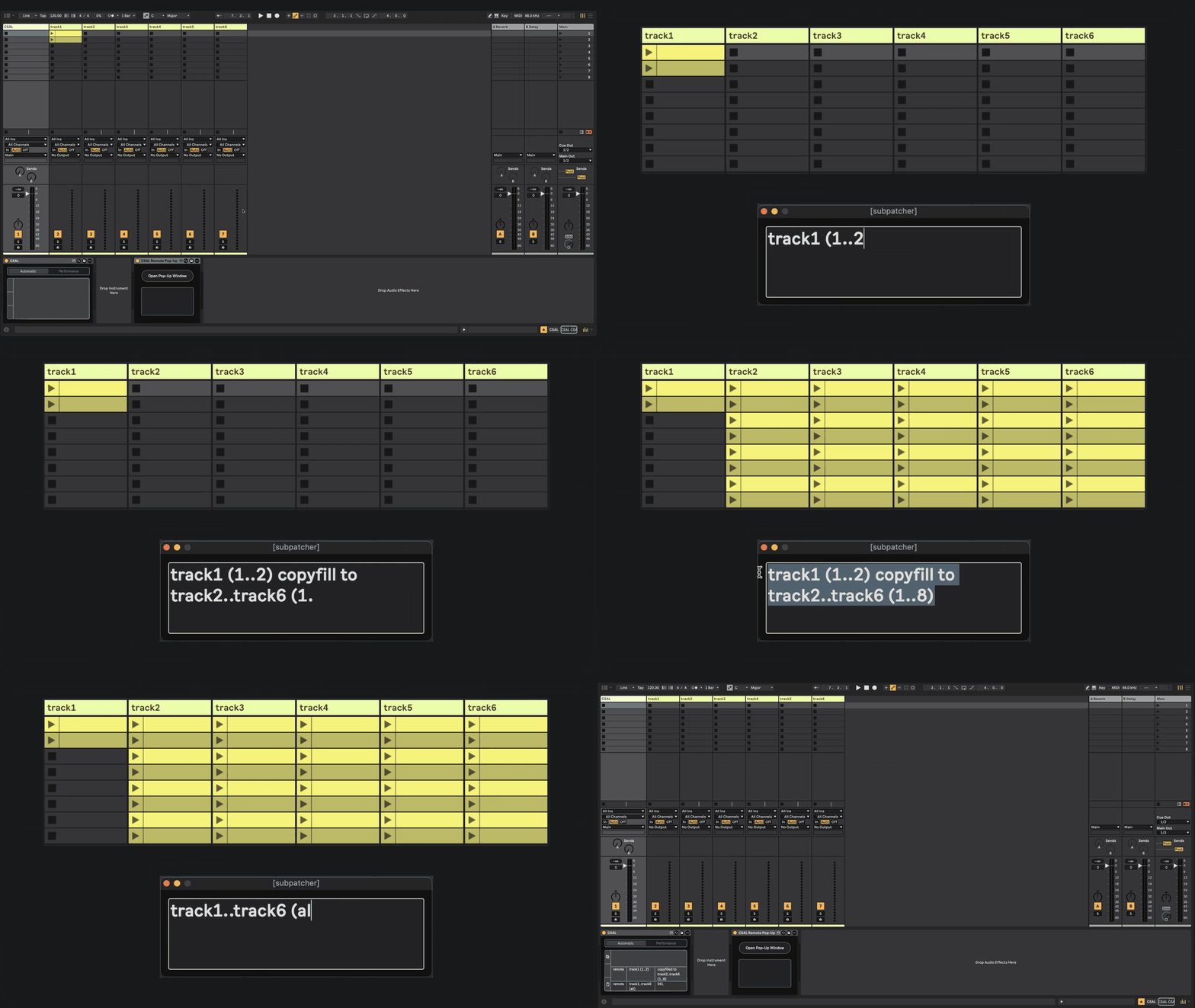
To get started, you can download the Remote Pop-Up device. It’s the simplest example of what you can build: a raw text input that sends Instructions to CSAL.
CSAL Remote Drum Rack Trigger
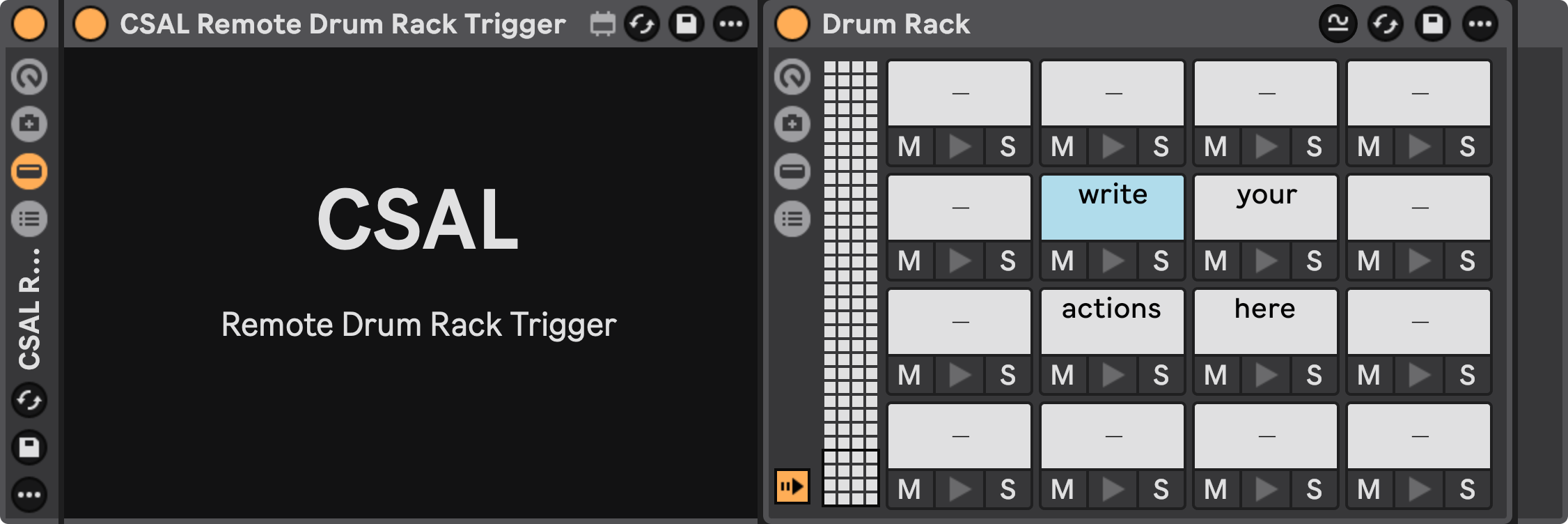
With the Drum Rack Trigger, you can write almost any CSAL Instruction into the name of a Drum Rack Pad and trigger it by playing that MIDI note.
Trigger CSAL Instructions by hand with a Launchpad or other MIDI controller—or hook up arpeggiators, euclidian sequencers, or whatever else you can think of!
To use it, just place it to the right of a Drum Rack. It will automatically scan the names of all the Pads in the Drum Rack on load or refresh. Send MIDI notes to the Track to trigger their respective Instructions.
Note: The MIDI notes need to flow through the M4L Device. This means that using your mouse to click the “play” button on a Drum Pad will not work (sadly).